A conversation connected to your studio
With studio activation and a compatible assistant account, connect through ClassM8 consent. Ask for role-appropriate information, then confirm supported changes yourself.
See AI connections →Launch your studio, publish classes, capture waitlist demand, follow trial students and review performance. Add a compatible AI assistant connection when your studio is ready.
With studio activation and a compatible assistant account, connect through ClassM8 consent. Ask for role-appropriate information, then confirm supported changes yourself.
See AI connections →Keep waitlists, time-limited seat offers, trial attendance and follow-up activity connected to the booking journey.
See waitlists & trials →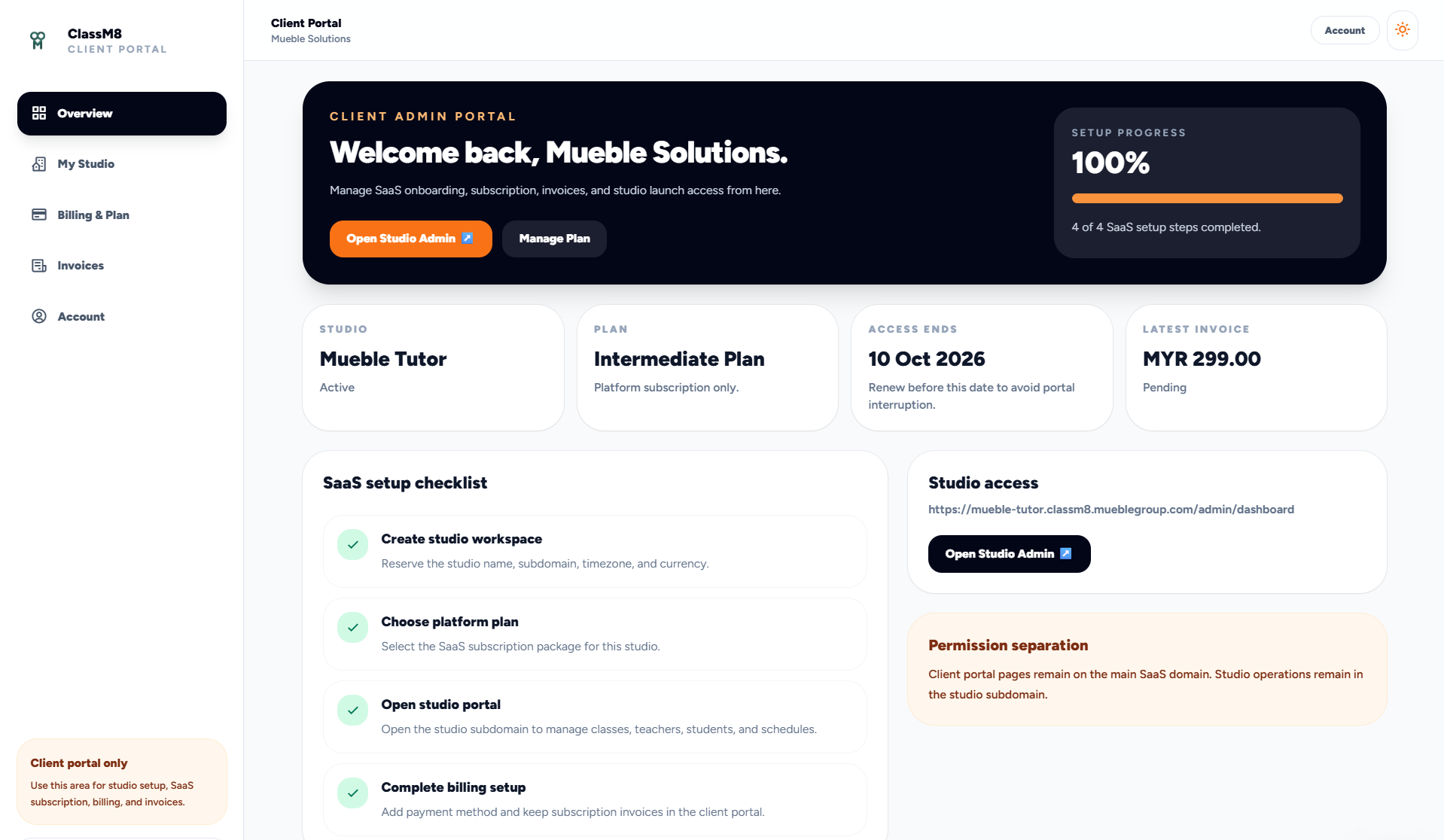
The owner completes SaaS setup, chooses a platform plan, reviews billing, sees invoice state and opens the studio portal when setup is ready.
Set currency, timezone, checkout defaults, mail settings and payment gateway options.
Create admins, teachers and students while keeping plan limits visible.
Publish classes, plans, recurring classes, subscriptions and ClassCards.
The shop presents the right offers and sends payment through the configured gateway.
Students scan QR codes or staff mark attendance manually when needed.
Use analytics, API logs, payment history and seat signals to improve operations.
Admins can manage users, classes, payments, notifications, API tokens and settings without mixing those workflows into the owner billing portal.
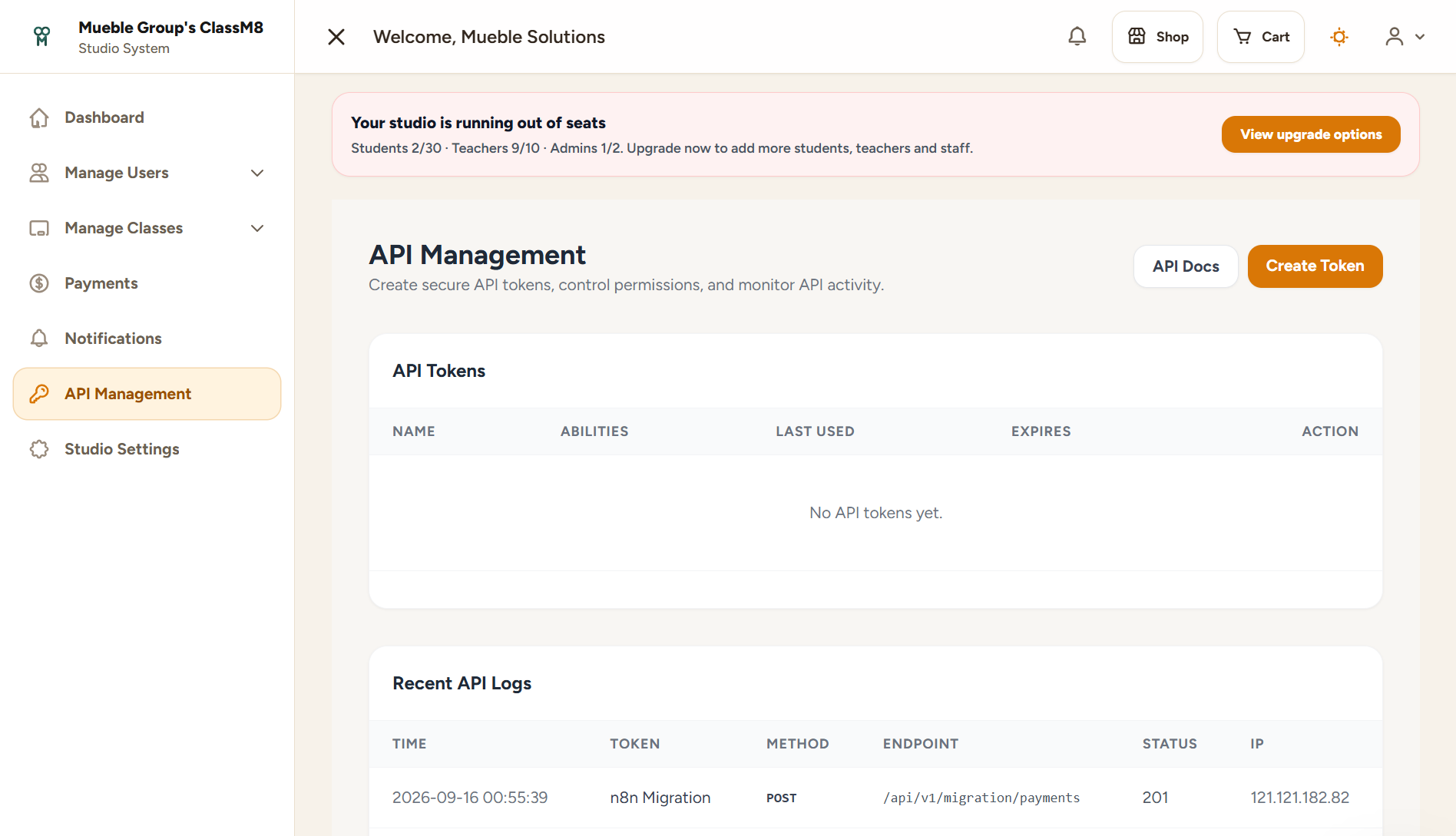
See AI connections, waitlists and trial follow-ups alongside your everyday studio workflow.